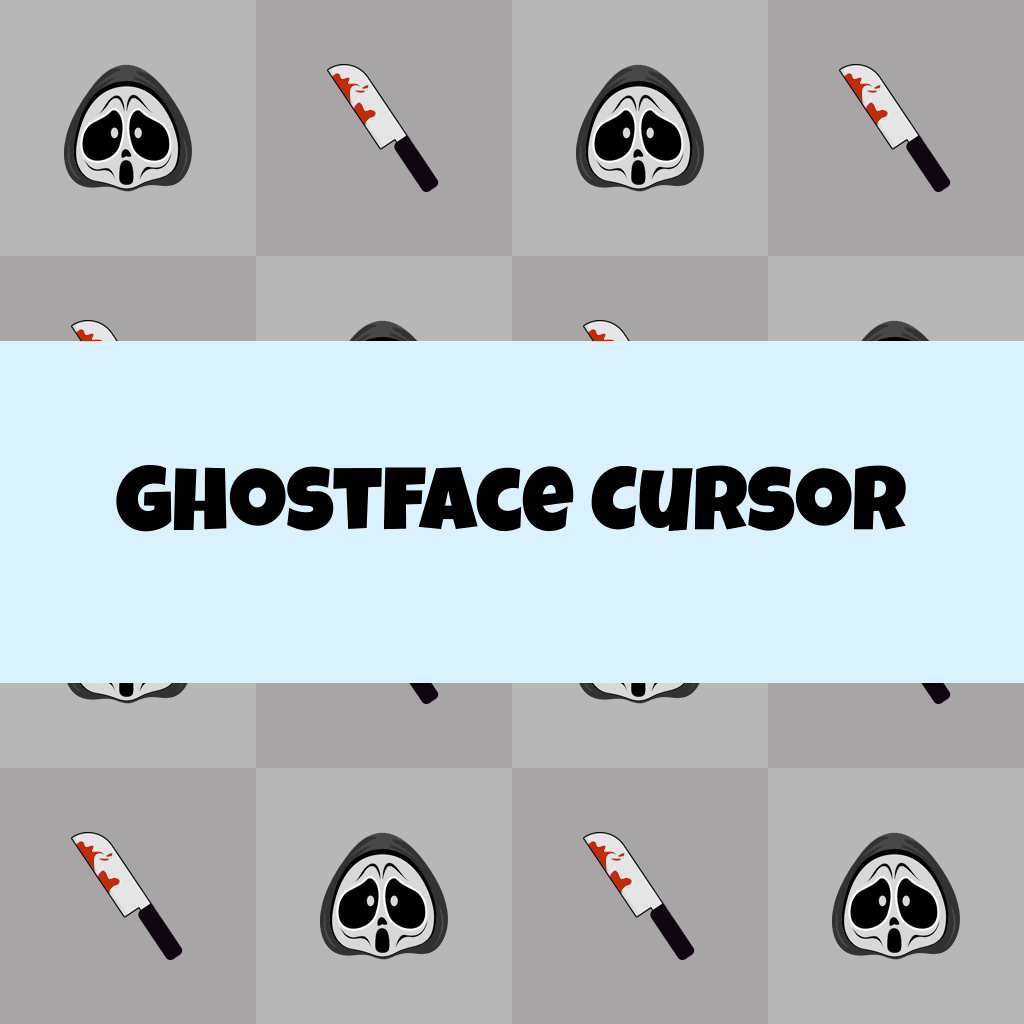
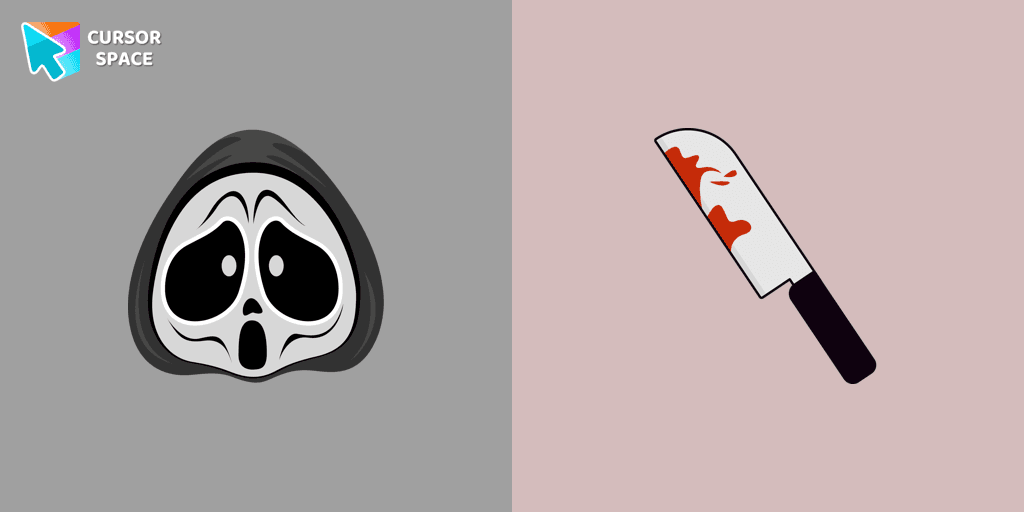
Ghostface Cursor

Ghostface cursor cursor pack
Preview Ghostface cursor custom cursor pack
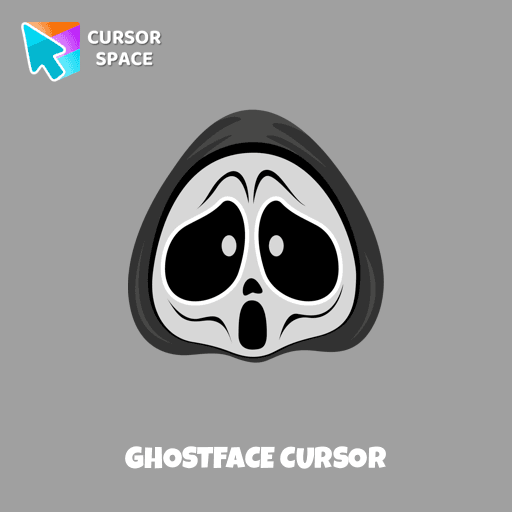
Ghostface cursor arrow cursor
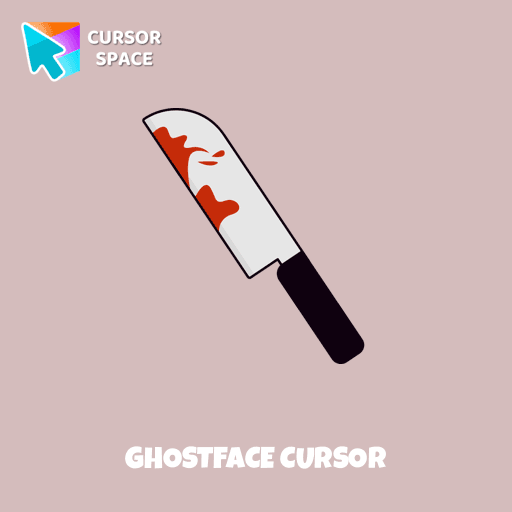
Ghostface cursor pointer cursor

Description

Ghostface is a fictional identity adopted by several characters in the Scream series, known for its iconic mask and mysterious presence. In our Halloween holiday collection of custom cursors, Ghostface is featured as a cursor for the mouse, complete with a custom hover pointer that resembles a knife, adding a spooky touch to your desktop. The Ghostface cursor element is a charming custom mouse and pointer cursor, designed with a stylish pointing hand, perfect for fans of the horror genre.

What's included in the package

  • Default Cursor
  • Pointer (Hand)

How to install a custom cursor pack Ghostface Cursor

  1. Install the Cursor Space extension for Chrome or Cursor Space for Edge in your browser.

  2. On this page, click "Add this cursor pack to the extension".

  3. Open the extension and go to the Packs tab.

  4. Find the custom cursor pack "Ghostface cursor" and click it.

  5. Enjoy!

Ready to install?

Get this cursor pack and thousands of others by installing our extension. It's fast and free!

About this cursor pack

Ghostface Cursor is a themed cursor pack you can add to your browser to personalize your pointer across common cursor states (default and pointer). Use it for everyday browsing, streaming, studying, or gaming-anywhere you want your cursor to match your vibe.

Instant preview

See how the cursors look before installing.

Easy install

Add the pack to the extension in a few clicks.

Works in your browser

Designed for Chrome and Edge via the extension.

FAQ

Quick answers to common questions about cursor packs, collections, and installation.

Do I need an extension?

Yes. To apply cursor packs in Chrome or Edge, install the Cursor Space extension and add this pack to it.

Which browsers are supported?

Cursor packs are designed for Chromium browsers like Chrome and Microsoft Edge.

How do I switch back to the default cursor?

Open the extension, choose another pack or disable the current one to return to your default cursor.

Popular cursors today

Custom cursor and packs - neon, anime, pixel art. Quickly add to Chrome and Microsoft Edge for free

  • TOP 1
    Water Texture cursor

    Water Texture cursor

    (269)
    Free

    Water is interesting because it can be in different forms. It can be solid like ice, gas like steam, and even turned into a special cursor for your mouse.

  • TOP 2
    Ruby cursor

    Ruby cursor

    (1.3k)
    Free

    Ruby custom cursor for Google Chrome helps you track text input and operations in Ruby coding. Improve text processing and editing efficiency with ease.

  • TOP 3
    Heart Pendant cursor

    Heart Pendant cursor

    (148)
    Free

    Transform your screen with custom cursors. Choose the Heart Pendant design for a touch of elegance and functionality.

  • Thanos cursor

    Thanos cursor

    (213)
    Free

    The Thanos custom cursor for Google Chrome brings the power of the Mad Titan to your screen. Embrace strength and cosmic animations with this unique design.

  • Saturn Pixel cursor

    Saturn Pixel cursor

    (95)
    Free

    Saturn Pixel custom cursor from our Cute Pixel cursors collection for mouse and pointer.

  • Sasori cursor

    Sasori cursor

    (95)
    Free

    Sasori, known as a formidable shinobi, effortlessly defeated and killed the Third Kazekage, renowned as Sunagakure's strongest leader.

  • Purple cursor

    Purple cursor

    (123)
    Free

    Elevate your browsing experience with a purple custom cursor, infusing your screen with a sense of mystery, creativity, and uniqueness.

  • Oreo Spark Red Cursors

    Oreo Spark Red Cursors

    (190)
    Free

    Transform your desktop with Oreo Spark Red custom cursors for Chrome. Add vibrant flair and energy to your digital experience today!

  • Leonardo Ninja Turtles Pixel cursor

    Leonardo Ninja Turtles Pixel cursor

    (51)
    Free

    Leonardo Ninja Turtles Pixel in a cute design for custom cursor with Leonardo.

  • Kylo Ren cursor

    Kylo Ren cursor

    (96)
    Free

    Transform your cursor with our Kylo Ren cursor, featuring the intimidating and iconic character from Star Wars. Add a touch of power and darkness to your browsing experience with this custom cursor.

  • Jerry cursor

    Jerry cursor

    (121)
    Free

    Our custom cursor featuring Jerry Mouse for Chrome captures his thoughtful mood.

Collection hits

Installation leaders from "Halloween": free packs, neon/anime/pixel art, quick add to Chrome and Edge.

  • TOP 1
    Angry Skull cursor

    Angry Skull cursor

    (26)
    Free

    Angry Skull cursor for a mouse is a good Halloween art to decorate your browsing.

  • TOP 2
    Burger Skull and Zombie Hand cursor

    Burger Skull and Zombie Hand cursor

    (19)
    Free

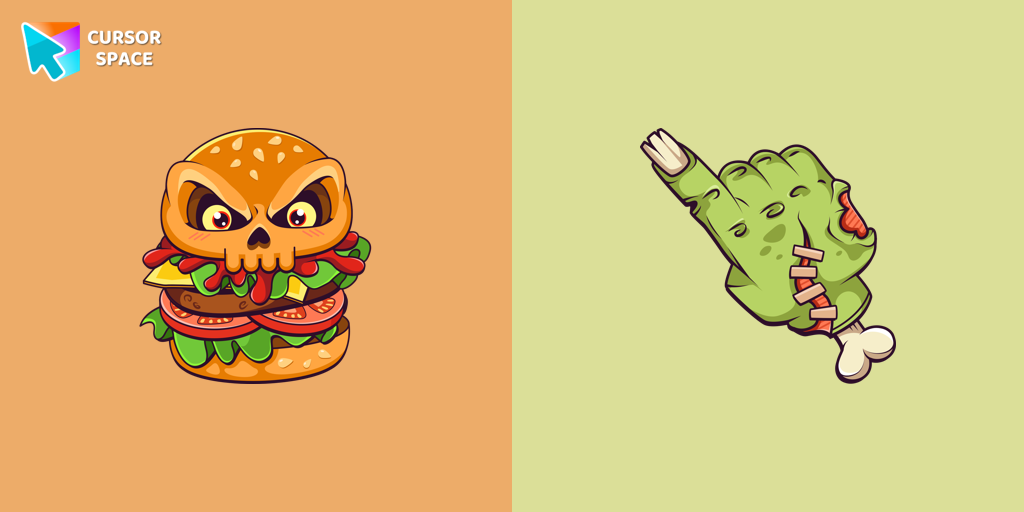
    Chilling blood illustrated Burger skull custom cursor and zombie hand hover for the mouse.

  • TOP 3
    Pizza Monster cursor

    Pizza Monster cursor

    (18)
    Free

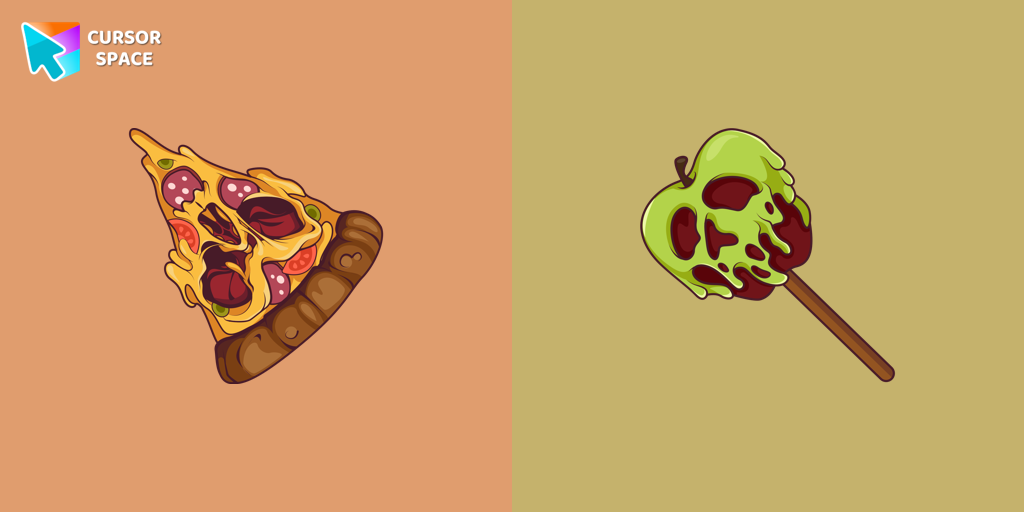
    Don't forget to decorate your interface with a Pizza Monster custom cursor from our Halloween custom cursors collection.

  • Potion Cauldron and Poison cursor

    Potion Cauldron and Poison cursor

    (15)
    Free

    Our Halloween custom cursors collection for Chrome includes many themed cursors, one of them Potion Cauldron and Poison.
  • Beetlejuice cursor

    Beetlejuice cursor

    (13)
    Free

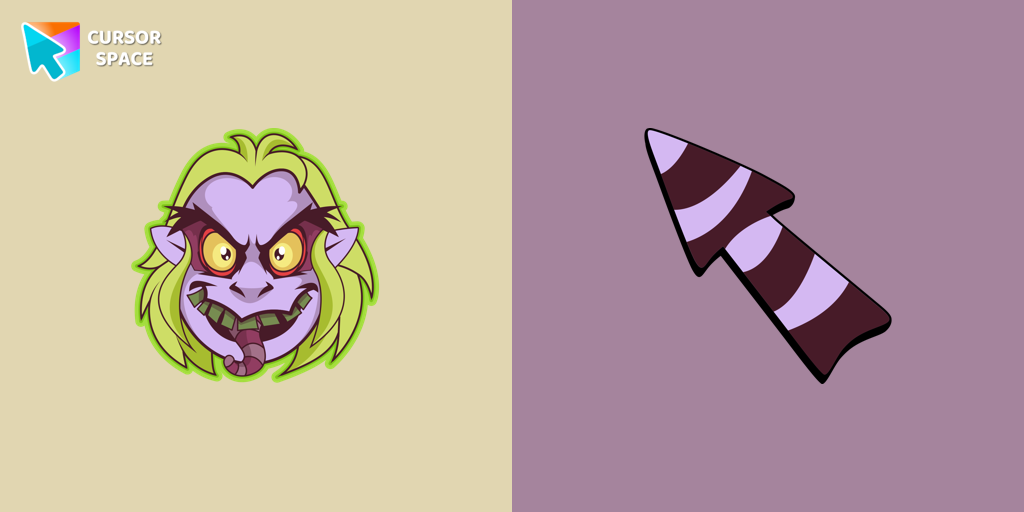
    Welcome to our Halloween custom cursors collection for Chrome where you will find a custom cursor with Beetlejuice.

Install Cursor Space - A Collection of Custom Cursors for Chrome & Edge

Add packs instantly and unlock access to thousands of cursors: neon, anime, pixel-art, and more. Fast, safe, and free.

  • Free cursor packs
  • HD/HiDPI & animated icons
  • Quick browser installation

Cursor Space is an extension for changing your mouse cursor in Chrome and Edge browsers: themed collections, HiDPI icons, neon, animated, and pixel cursors, with quick installation.

Install Extension

To use packs with one click, you need our free browser extension. Install it and come back!